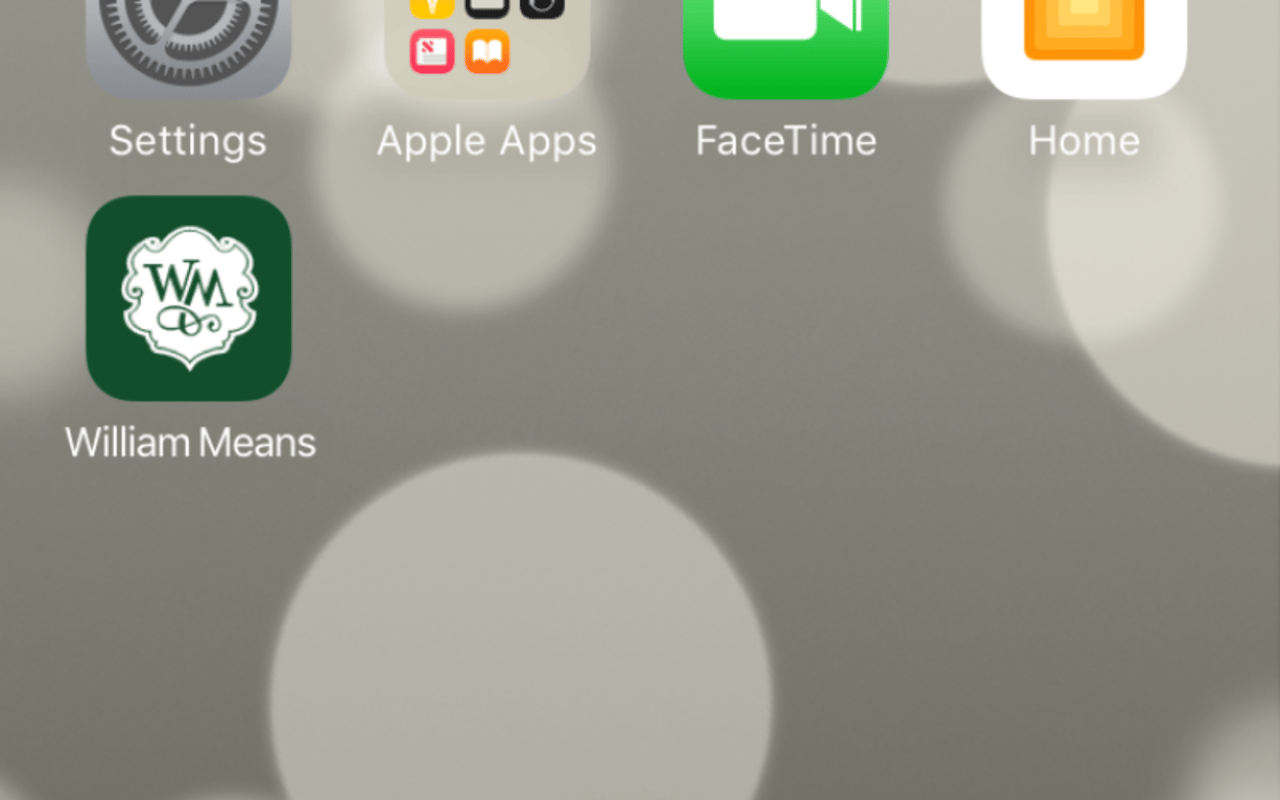
Are you on the hunt for your next home? Thinking about selling and want to keep an eye on the Charleston market? Now you can easily access William Means Real Estate’s website, straight from your phone’s home screen. Follow these easy steps to have Charlestonrealestate.com appear as an app icon, making it accessible to quickly and easily search for real estate on our site.
Add CharlestonRealEstate.com to Your iPhone
-
Open up Safari and load charlestonrealestate.com.
- At the bottom of the screen, you’ll see an icon depicting an arrow pointing away from a square. Tap this button.
- This will pull up different menu options. The one you want to choose is “Add to Home Screen.”
- You’ll be asked to choose a name for the home screen icon, and then you can save it.
Add CharlestonRealEstate.com to Your Android
- Launch Chrome for Android and open charlestonrealestate.com to pin to your home screen.
- Press the menu button and tap “Add to Home Screen.”
- You’ll be able to enter a name for the shortcut, and then Chrome will add it to your home screen.
Have questions? Comment in the section below.